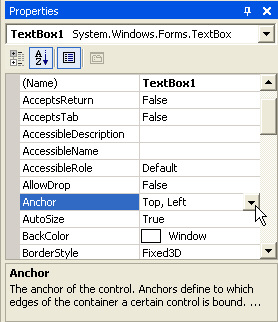
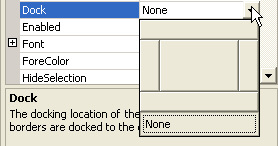
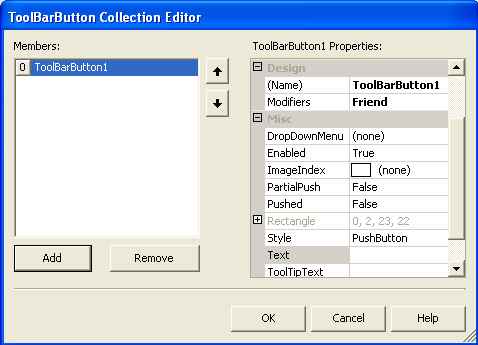
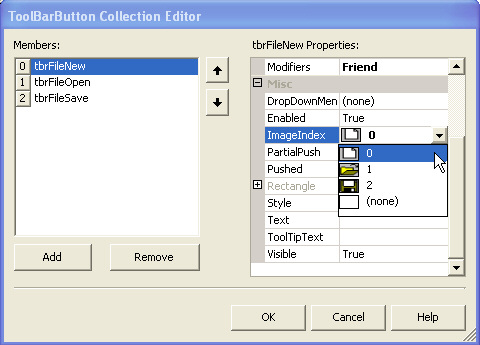
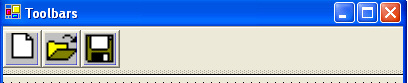
Anchoring Each button on the toolbar has it's own properties and methods. The button you have just added has a default Name of ToolBarButton1. This is not terribly descriptive. What we're going to do is add three toolbar buttons: one to create a new file, one to open a file, and one to save a file. So, The toolbar buttons get their pictures from the Image List control. You add pictures to the Image List, then point your toolbar at this control. The toolbar will then recognise the images in the list. So expand the Toolbox, and scroll down until you find the ImageList control. Double click it to add one to your project. The ImageList is another control that doesn't appear on the form, but in the area below it:

Adding Images to your Toolbar Buttons
 ශිල්ප 64